.svg)
Invoices & quotations
in 1 minute
Professional, 100% accurate and sent in one click via Peppol.


- 30 days for free
- No credit card required
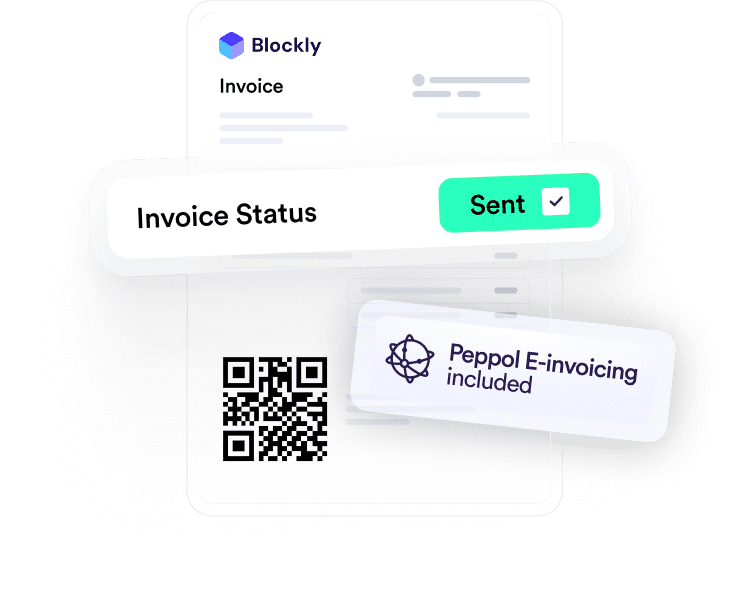
Invoices sent in Dexxter
Faster payment with QR codes
PEPPOL-proof
Super-fast professional invoicing
Create a quotation or invoice in less than a minute, no knowledge required.
- Add your own logo & choose your layout
- Your quotations & invoices automatically numbered correctly
- Save services & items and reuse them later
- Create & send at any time thanks to the mobile app
- Always compliant with Belgian legislation
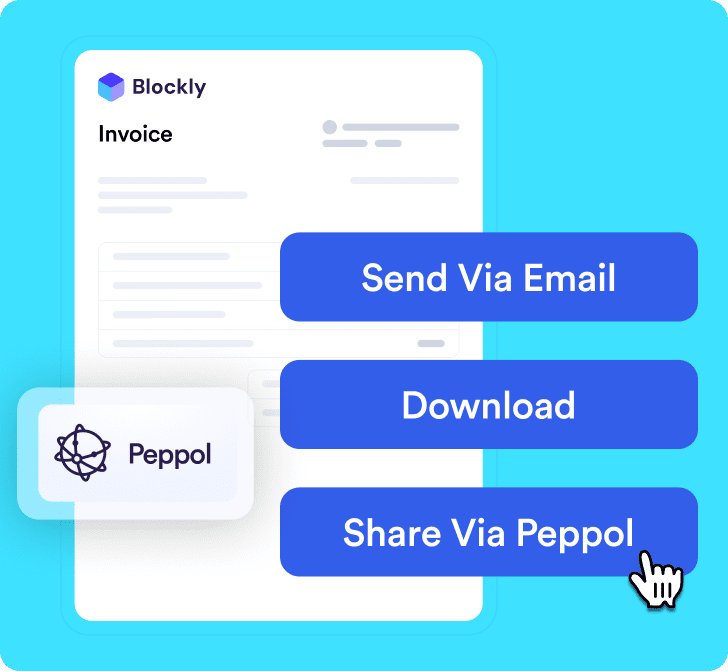
Send in one click via Peppol
Sent immediately to your customer via Peppol (or by email).
- Sending via Peppol included
- Send them by email from Dexxter
- You are prepared for 2026
From quotation to invoice in 1 click
Quotation approved? Convert it into an invoice immediately.
- No double work
- Less chance of errors
- No more mistakes
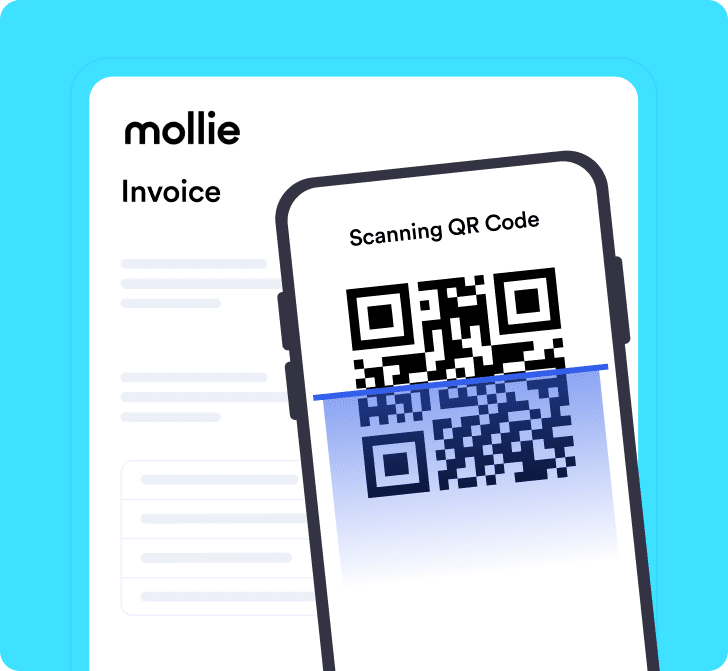
Paid 3x faster thanks to QR and payment links
Let customers pay quickly so you have your money received on faster.
- Add a QR code to your invoice
- Add a Mollie payment link
- Fewer open amounts
Everything is automatically recorded and tracked
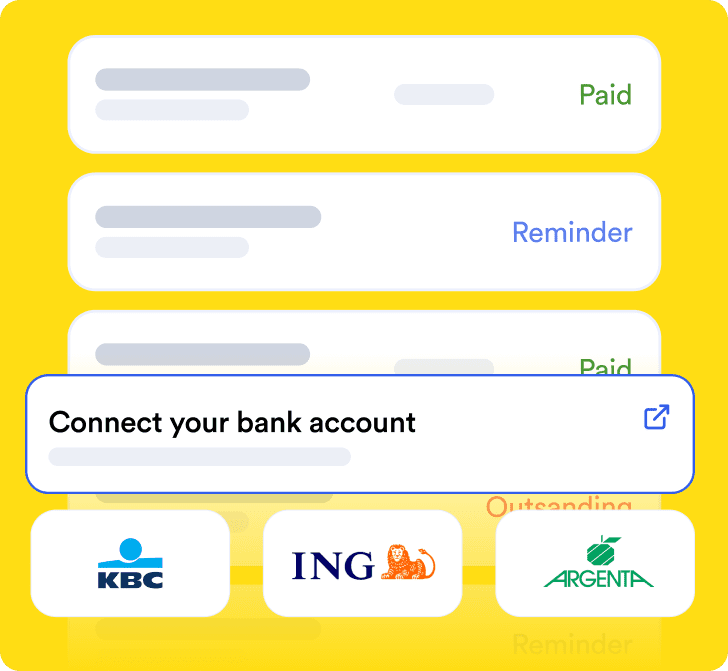
Your invoices are automatically included in your accounts.
- You can see what has been paid, is outstanding or is late
- Link your bank to automatically track status
- Send reminders easily
- Always see how much you earn
All features
The all-in-one accounting solution for Belgian sole proprietorships:
Sales invoices
- Send via Peppol
- QR code & (Mollie) payment link
-
Recording invoices with copyrights
- Convert sales invoices into credit notes
- Save sales items
- Enter global discount
- Enter discount per item
- Create in multiple languages
- Percentage discount or fixed discount
- Add attachments
- Send payment reminders
-
Upload invoices from other packages
-
Integrate with other packages
-
Book invoices in a different fiscal period
-
Link your bank (invoice paid)
-
Create drafts
Quotations
- Draft
-
Convert quotations to (e-)invoices
- Save sales items
- Enter global discount
- Enter discount per item
- Create in multiple languages
- Percentage discount or fixed discount
- Add attachments
-
Upload quotations from other packages
Credit note
- Send a credit note for your invoice
Frequently asked questions about Dexxter
I create my sales invoices in another program. Can I upload them to Dexxter?
Yes! You can upload invoices from another invoicing program. You can also have them forwarded automatically to our digital mailbox.
Am I required to use Peppol for my invoices?
E-invoicing via the Peppol network is mandatory for B2B invoices between Belgian VAT-liable businesses. For invoices to individuals, certain exempt businesses, or clients outside this scope, PDF by email remains allowed. With Dexxter you’re covered either way: you send and receive Peppol invoices directly from your account, without extra software.
Can I put my own logo, branding, and terms and conditions on my invoices?
Yes, you upload your logo, choose an accent colour, and add your own terms and conditions, so every invoice and quote immediately looks professional and matches your branding. Dexxter meanwhile makes sure all legally required mentions (VAT number, invoice number, due date, VAT clauses) are automatically placed in the right spot.
How do you create an invoice without VAT or with reverse charge VAT?
Whether you fall under the exemption scheme for small businesses, invoice an EU client with a valid VAT number (intra-community), or deliver construction work under the reverse charge scheme, in each case you state 0% VAT with the correct legal clause on your invoice. Dexxter automatically applies the correct VAT code and the mandatory mention based on your VAT status and the type of client, so you stay compliant without having to know the rules yourself.
How do you mark an invoice as paid and track outstanding invoices?
You can always mark an invoice as “paid” manually, but Dexxter’s bank module also lets you do this. Link your bank account and process the payments. Dexxter automatically suggests the right invoice based on the amount and the structured reference. This way you see at a glance which invoices are still outstanding and can send targeted reminders.
What is a credit note and when do you create one?
A credit note is a “negative invoice” that cancels, in full or in part, a previously sent invoice. You use it for errors on a sent invoice, a return, a discount granted afterward, or a cancelled service. Simply deleting an invoice is no longer allowed once it has been sent or booked. A credit note is the legally correct way to correct this, and in Dexxter you create one based on the original invoice in one click.
How do you send an invoice: by email or via Peppol?
In Dexxter, you send every invoice directly, by email (with PDF and payment link) or via the Peppol network if your client is connected to it. We automatically detect whether your client is Peppol-ready and send through the right channel. To individuals, you simply send a PDF by email. To VAT-liable or VAT-exempt (small business) companies, via Peppol.
What is a digital mailbox?
That’s a unique email address linked to your Dexxter file. If you email a document to that address, it lands directly in Dexxter.
I don’t use sales invoices, but daily takings. Is that possible in Dexxter too?
Yes! You can keep track of your daily takings digitally, so you no longer need a “green booklet” or any other app. You can read here how it works.
I still have invoices from before I used Dexxter, can I still upload these?
Yes! Historical invoices can also be recorded.
No hassle with Word or Excel. Create your first invoice with Dexxter today
Professional, accurate and sent in 1 minute.
- 30 days for free
- No credit card required

Glenn Engelen

Matthias Vande Walle
Karen Unusyan
Sven Janssens
27.000+ clients simplify their
accounting with us
DeYuri.
Oeideel2

Alain Van Eeckhout