




Are you subject to VAT or exempted from VAT and need to register for Peppol, but still have some questions? Don’t worry – here we provide an explanation of how to check if you’re okay, how to see where you’re registered, and how to register easily via Dexxter.
After all the emails you’ve received, are you no longer sure whether you’re registered with Peppol? Are you registered, but unsure where your Peppol messages will be delivered? Or do you want to change your registration so that your Peppol messages are delivered to Dexxter? We provide an explanation step by step below!
Am I registered? And where will my messages be delivered?
1. Am I registered with Peppol?
- Go to this website: https://www.peppolcheck.be/en
- Fill in your company number.
- Click on “Check Peppol Registration”
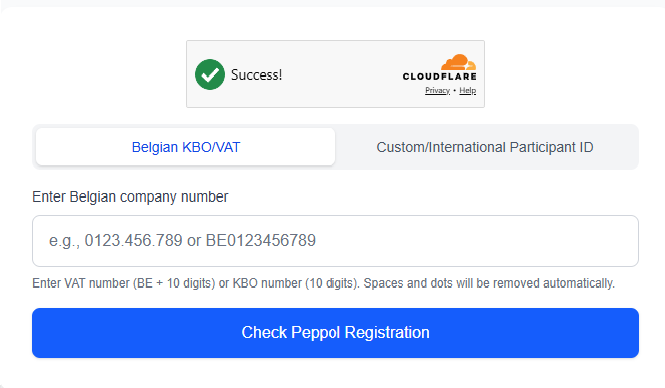
- You will now see a summary of your Peppol registration. If there is a green tick with “Successfully Registered”, your legal registration is okay!
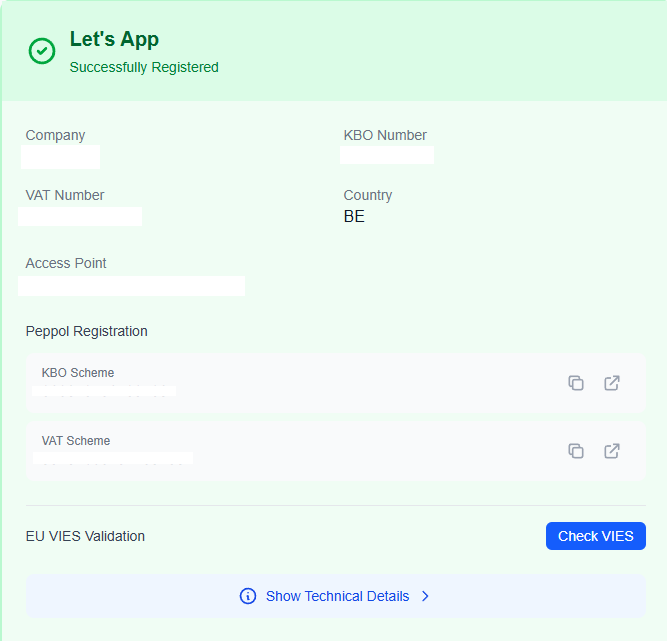
2. Where am I registered?
In the summary, you will also see your Service Provider. The name of your Service Provider does not necessarily correspond to that of the software you use. Below, you can see which software is associated with which providers. Is your invoicing or accounting software listed?
| Service Provider | Software |
| Storecove | Accountable Lucy Yuki |
| Codabox | Doccle Codabox Clearfacts Kyte Adsolut Flowin |
| Billit | Billit ING Invoice Manager Breex |
| Unified Post | BillToBox |
| Odoo | Odoo |
| OkiOki | OkiOki |
| Tradeinterop | Exact Online |
| Onfact | Onfact |
| Horus | Horus Falco |
| Teamleader | Teamleader Focus Teamleader One Dexxter |
Can I register somewhere else?
To receive invoices via Peppol, you can only be registered in one place. If you are already registered elsewhere, you cannot register anywhere else without cancelling your previous registration. First, try to deregister directly in your invoicing software. This is often the simplest option. If you don’t recognise any software, follow the deregistration steps with your Service Provider.In this article, you can read how best to deregister and switch.
How do I register with Peppol via Dexxter?
- Open the Dexxter app and go to Settings > Integrations > Peppol or open this URL.
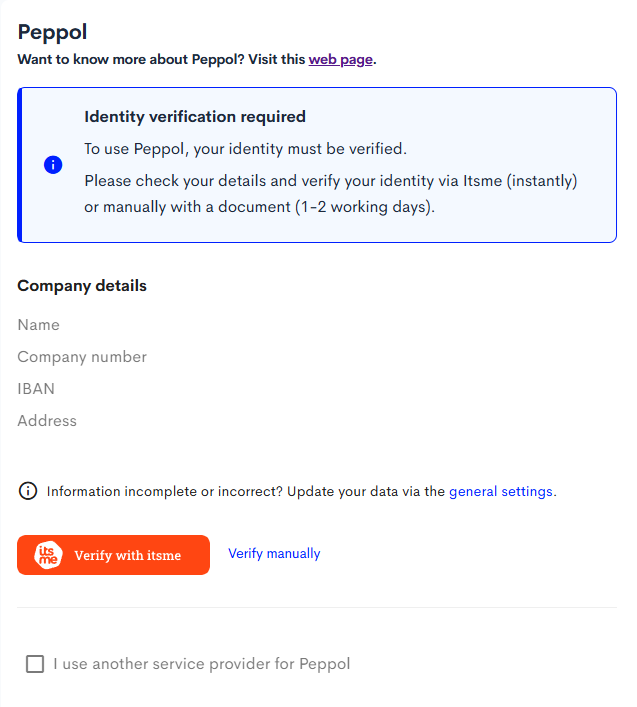
- Identify yourself there via ItsMe; this is the simplest and quickest way.
Please note: this must be the person who is actually registered with Dexxter as a sole proprietor, and therefore not a family member or other person. - If you don’t have ItsMe or would prefer to verify manually, we’ll need a document from you proving your identity. For this, we require a purchase invoice from, for example, your social insurance fund, or other invoices such as a mobile phone subscription, telecoms services, an electricity bill, etc. It must be something sent to your actual address, not just a receipt from a shop.
- Open Settings > Integrations > Peppol again. If you see the notification below, you have been verified. If you need to wait a little longer for verification by a team member, you will receive an email as soon as your verification is complete.
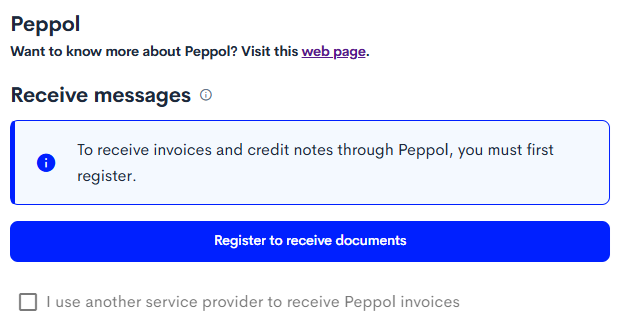
- You are automatically registered to send via Peppol. Click on “Register to receive documents” to complete your registration.